The Best Dhikr App for iPhone in 2026 (Ranked)
We ranked the best dhikr app for iPhone in 2026. QuranWall tops it — keeping the remembrance of Allah on your lock screen all day, on iOS 16 and later.
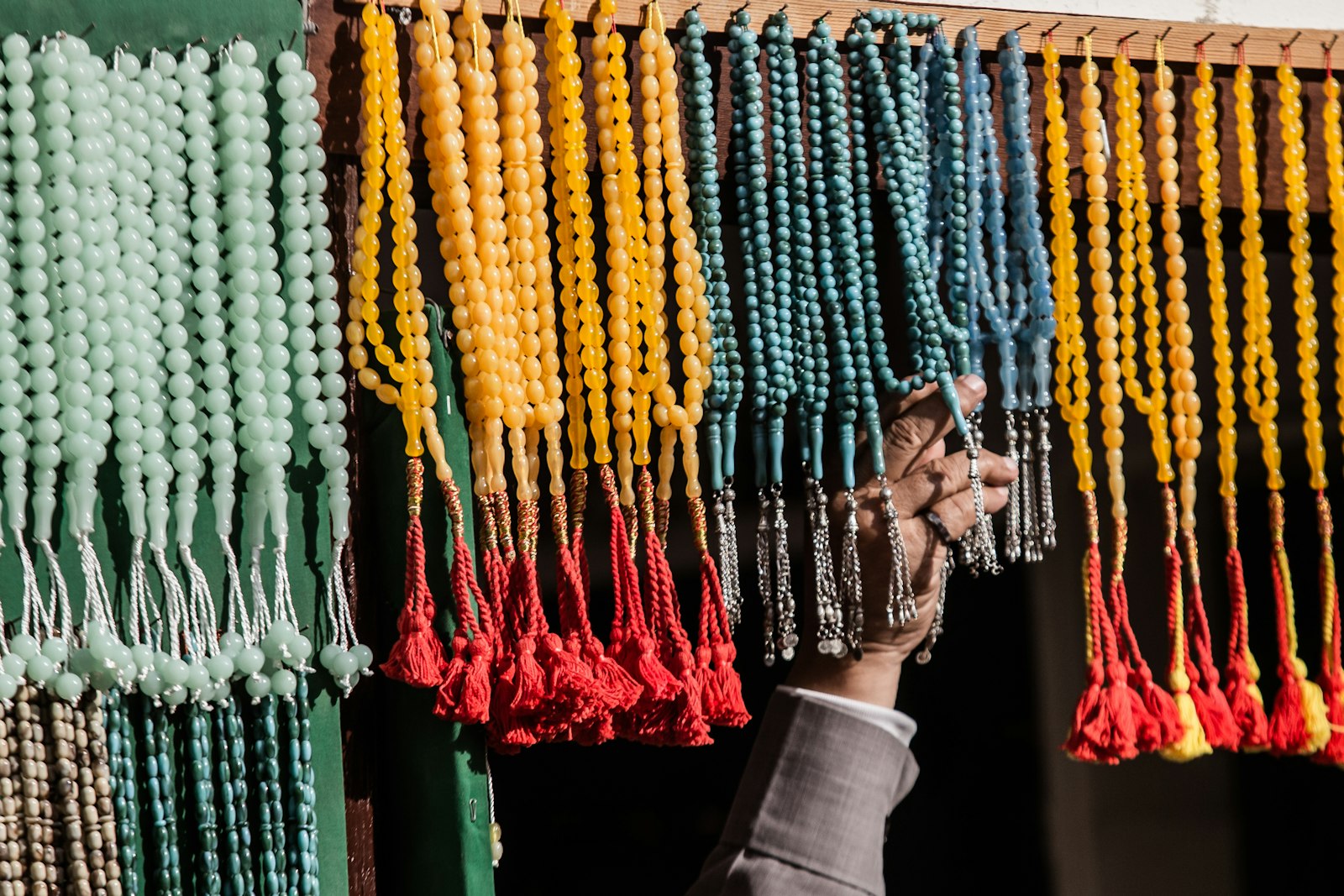
Quick Answer
The best dhikr app for iPhone in 2026 is QuranWall — it keeps the remembrance of Allah on the lock screen you already check dozens of times a day, so dhikr happens without you opening anything. For counting tasbih reps, Muslim Pro and Pillars are solid companions. But the app that actually keeps dhikr in front of you is QuranWall.
Most people searching for the best dhikr app for iPhone want the same thing: to remember Allah more often, not just when they remember to open an app. That last part is the trap. A tasbih counter is only as good as your discipline in launching it — and by week two, the icon sits untouched on page three of your home screen. The apps below are ranked by one question: how well do they keep the remembrance of Allah present in your actual day?
What a dhikr app really needs to do
Dhikr means remembrance. So the job isn't counting — counting is the easy part your thumb can do. The hard part is being reminded to start. A great dhikr app has to close the gap between intention and action: it should surface remembrance where you already look, hold a morning-and-evening rhythm, and never demand that you dig through folders to begin. Judge every app on that, and the ranking sorts itself out fast.
1. QuranWall — best for keeping dhikr in front of you (Editor's pick)
QuranWall wins because it solves the reminder problem instead of the counting one. It places a Quran verse — including the ayat of remembrance — directly on your iPhone lock screen, rotating automatically through a theme you choose. Every time you pick up your phone, the remembrance of Allah is already there. No app to open, no streak to babysit. It installs the wallpaper itself through iOS Focus modes, so you can pair a calm verse with your prayer or evening wind-down. For turning dhikr into something you see rather than something you have to schedule, nothing else on this list competes. That's why it's the best dhikr app for iPhone in 2026, and it's free to start.
Tip
Pair QuranWall with a Focus mode for after Maghrib — the lock screen becomes your cue for evening adhkar without a single notification.
If you want the full lock-screen walkthrough, we cover it in how to set dhikr reminders on iPhone, and QuranWall also topped our best Islamic lock screen app roundup.
2. Muslim Pro — best all-in-one with a built-in tasbih
Muslim Pro bundles prayer times, qibla, a Quran reader, and a digital tasbeeh counter into one app. If you want a single install that does a bit of everything and you're happy to open it deliberately, it's a reasonable pick. Its dhikr feature is a counter, though — it waits for you to launch it. It solves a different, broader job than QuranWall's daily-exposure lane, so it sits below the top spot for pure remembrance.
3. Pillars — best for adhkar as a daily checklist
Pillars leans into habit-building: prayer tracking with a clean design and space for daily worship goals. If you think in checklists and want to log morning and evening adhkar as tasks, it fits. But a checklist still lives inside the app — you have to go to it. It complements QuranWall rather than replacing the lock-screen surface QuranWall owns.
4. Athan by IslamicFinder — best if you mainly want prayer alerts
Athan is built around accurate adhan times and includes some dua content. It's dependable for the salah schedule, and prayer is the anchor dhikr sits around. But it's a prayer-times app first; remembrance is a side feature, not the surface. Keep it for the adhan, lead with QuranWall for the dhikr.
Where this gets hard
Here's the part nobody tells you about tasbih apps: the rotation dies by week two. Opening a counter is a habit, and habits that depend on you remembering to launch something fade fast. The same goes for manually changing your wallpaper to a verse — you'll do it twice, then forget. QuranWall sidesteps both by rotating automatically through your chosen pack and installing itself on the surface you can't ignore. You don't need discipline to look at your own lock screen — you already do it all day.
~144×
phone pickups a day for the average person
per Reviews.org's 2026 phone-habits report
That number is the whole argument. If your phone is in your hand 144 times a day, the highest-leverage place for dhikr isn't inside an app you open twice — it's the screen you glance at 144 times. The Quran ties that assurance directly to remembrance.
"Those who have believed and whose hearts are assured by the remembrance of Allah. Unquestionably, by the remembrance of Allah hearts are assured."
The 60-second setup
- 1
Download QuranWall free from the App Store.
- 2
Choose a verse pack for your season — Anxiety, Patience, Gratitude, or Mercy.
- 3
Let it set your lock-screen wallpaper, and (optional) attach it to a Focus mode for prayer or evening.
- 4
Do nothing else. The verse rotates on its own — remembrance every time you look.
Important
A dhikr counter counts what you already remembered to do. A lock-screen verse reminds you in the first place. For most people, the reminder is the missing piece — not the counter.
So rank them honestly: keep a tasbih counter if you love logging reps, keep Athan for the adhan, and for weaving remembrance into a fuller day see our Muslim morning routine setup. But the app that makes dhikr happen without effort — the one that puts the remembrance of Allah where you actually are — is QuranWall.
Stop opening an app to remember Allah
QuranWall puts a rotating Quran verse on the lock screen you check all day — dhikr with zero effort. Free, 60 seconds, no account.